Comment on any live website
Point Commento at any staging or production URL and pin feedback to the exact element, with nothing to install in your codebase.

Pin comments on live websites, images, videos, and PDFs, mark up exactly what needs changing, and track every fix to done, with no sign up for the people reviewing.
Whatever your team is reviewing, the workflow is the same: click the spot, say what you mean, draw it if it helps, and track the fix to done.
Point Commento at any staging or production URL and pin feedback to the exact element, with nothing to install in your codebase.
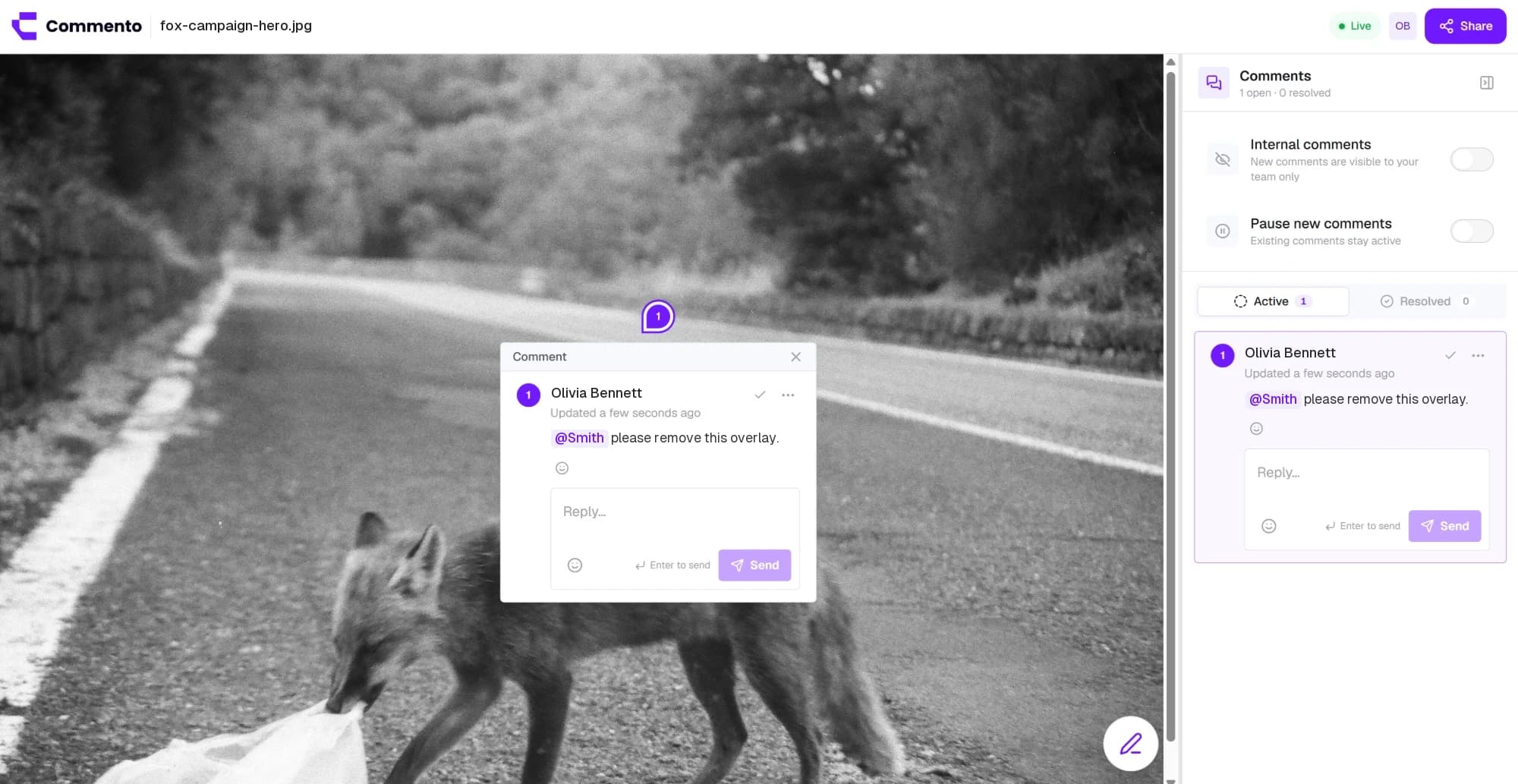
Upload a mockup, screenshot, or ad creative and pin feedback to the exact pixel, with arrows, boxes, and sketches drawn right on the image.
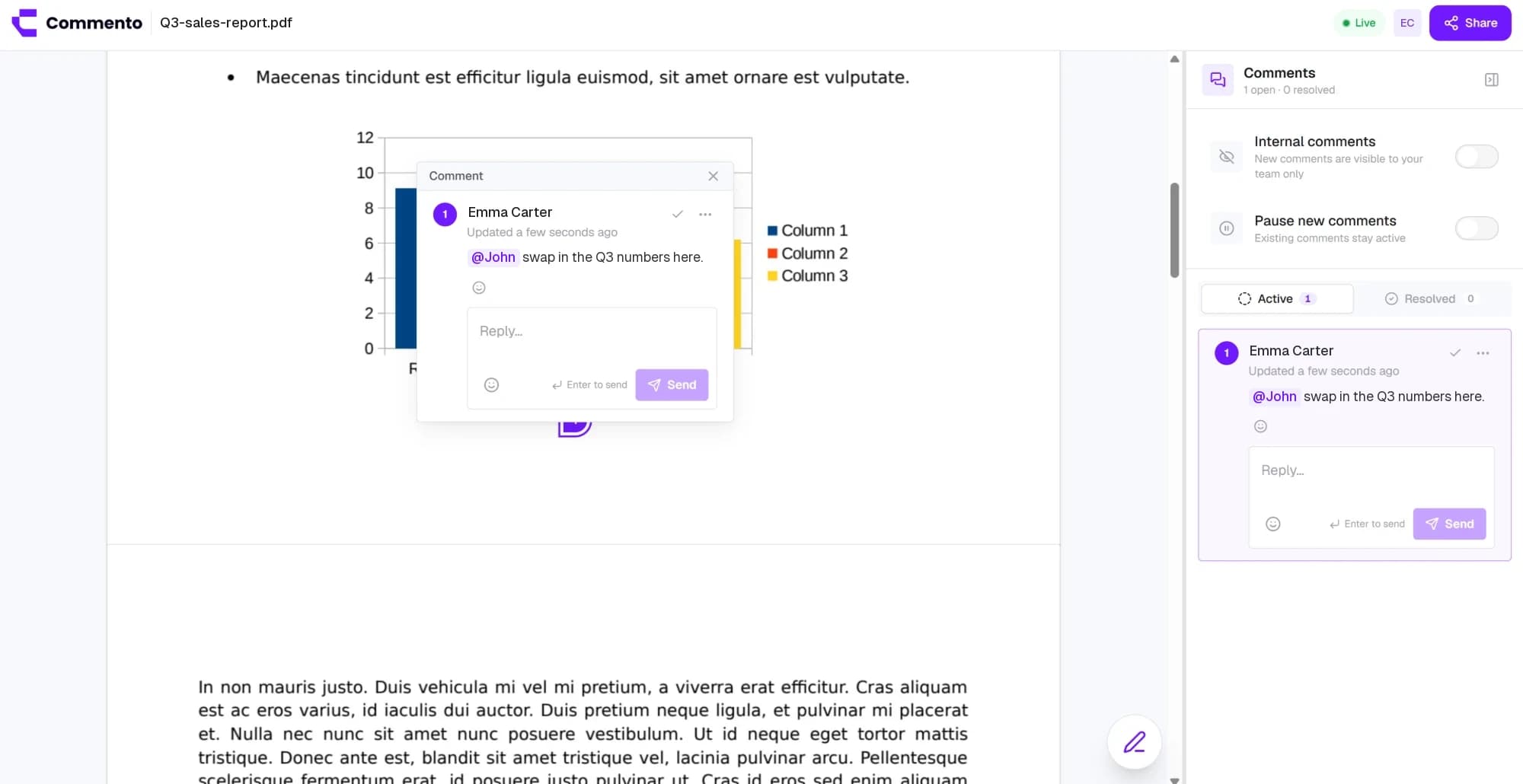
Upload a proposal, brochure, or contract and pin comments to the exact line on the right page, so every change request is clear.
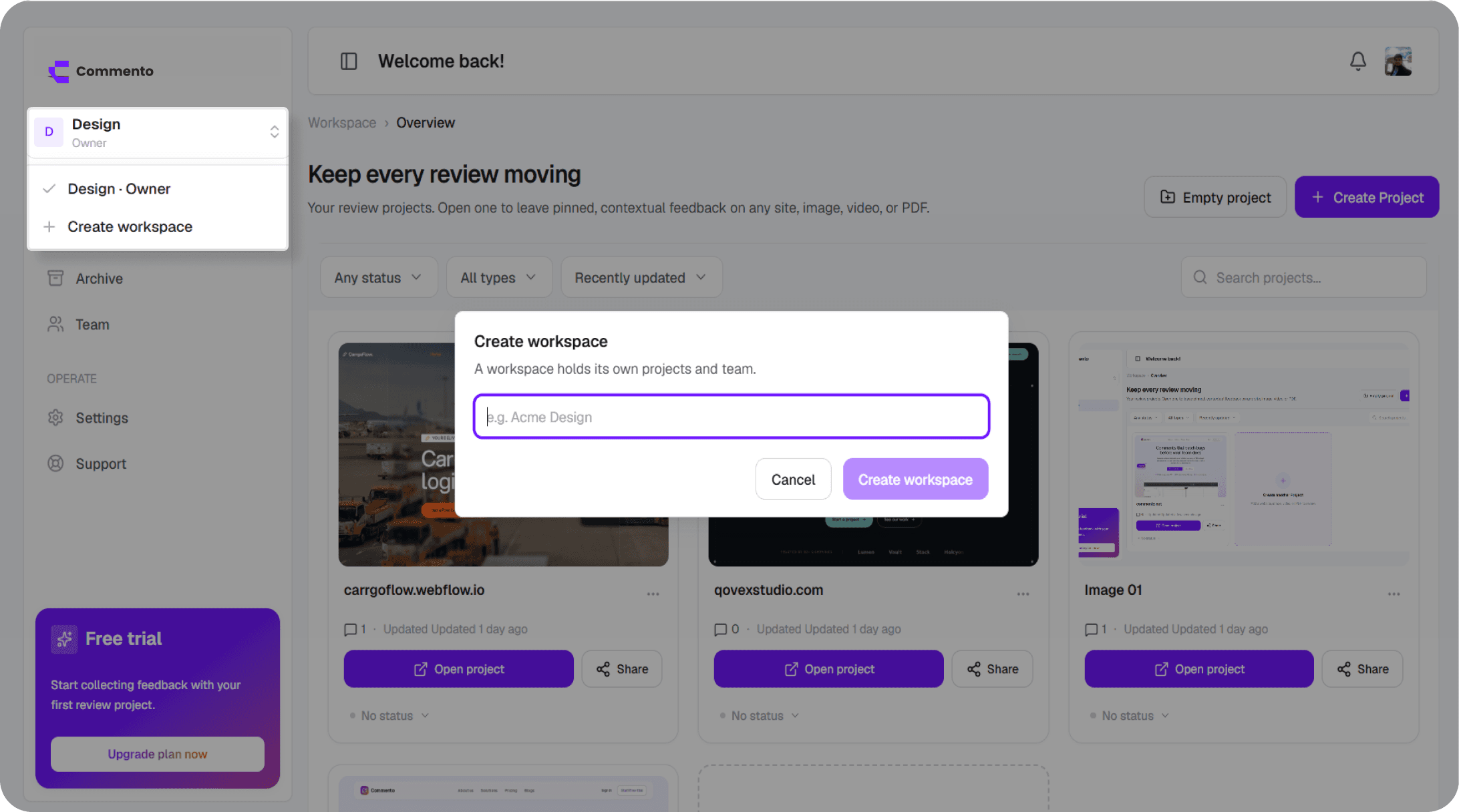
Keep every client and product in its own workspace, invite the right people, and keep design reviews and bug reports organised by project.
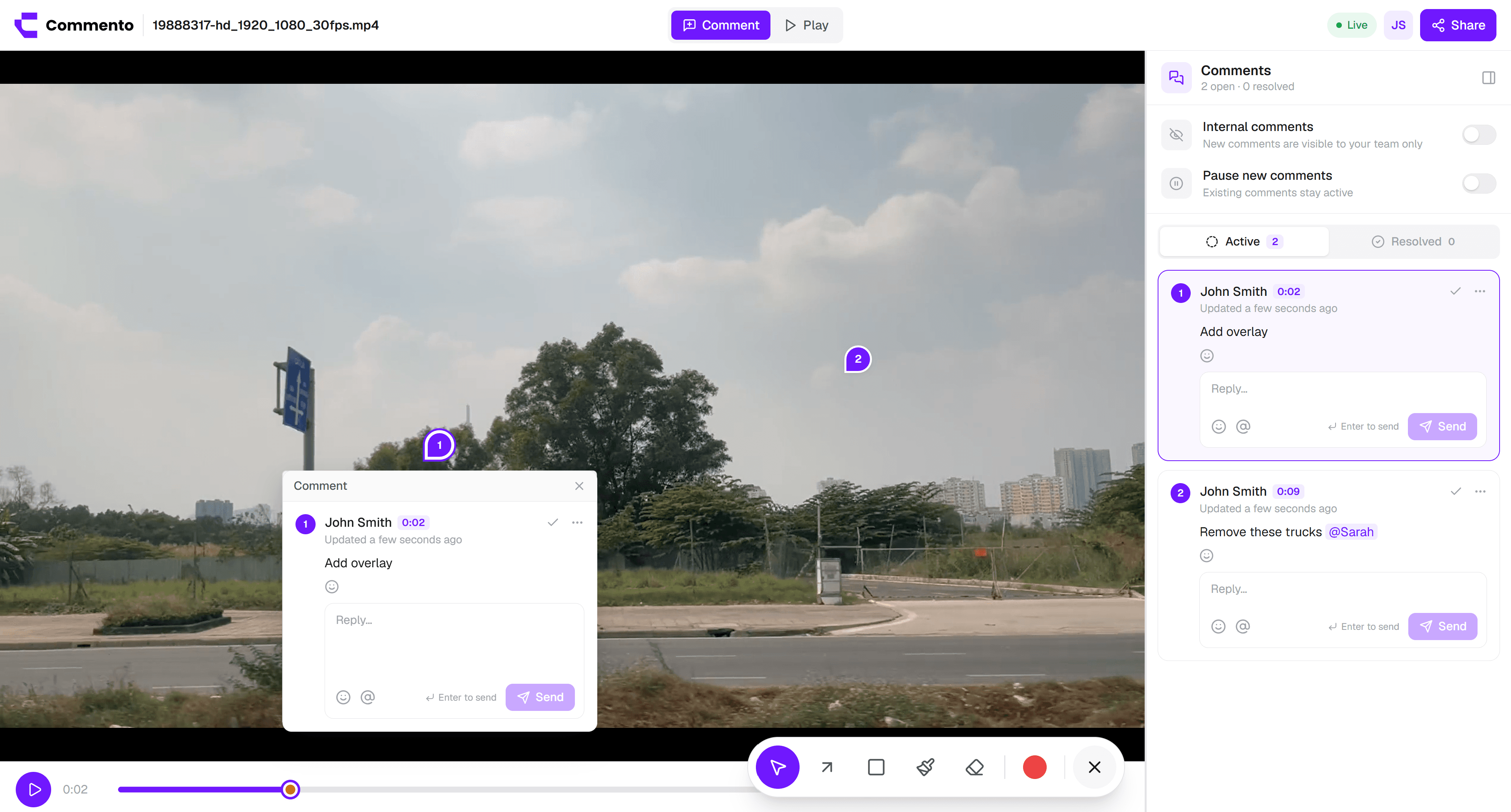
Pause on the frame that is wrong and annotate the video right there, so motion, timing, and edits get feedback as precise as everything else.
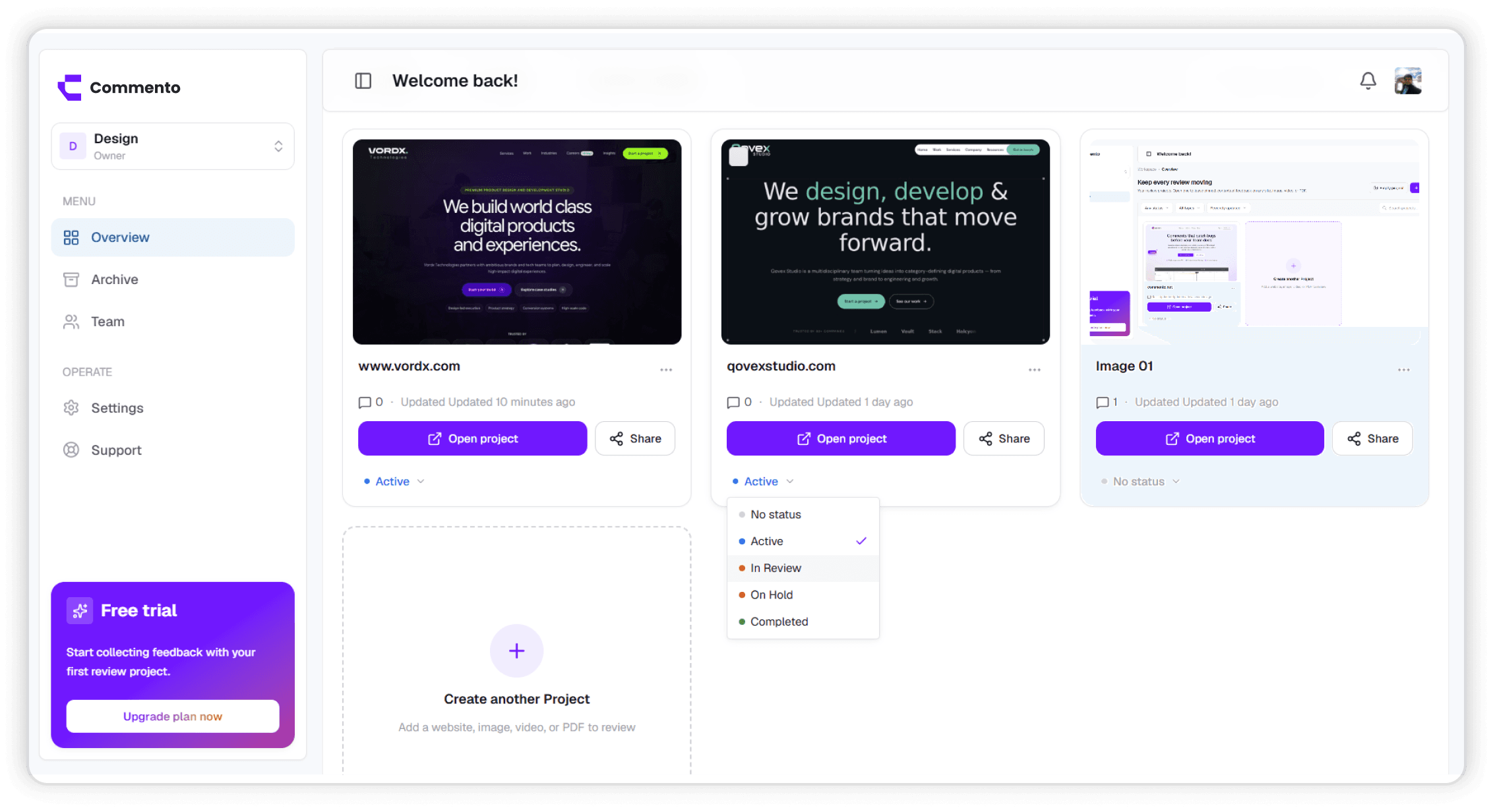
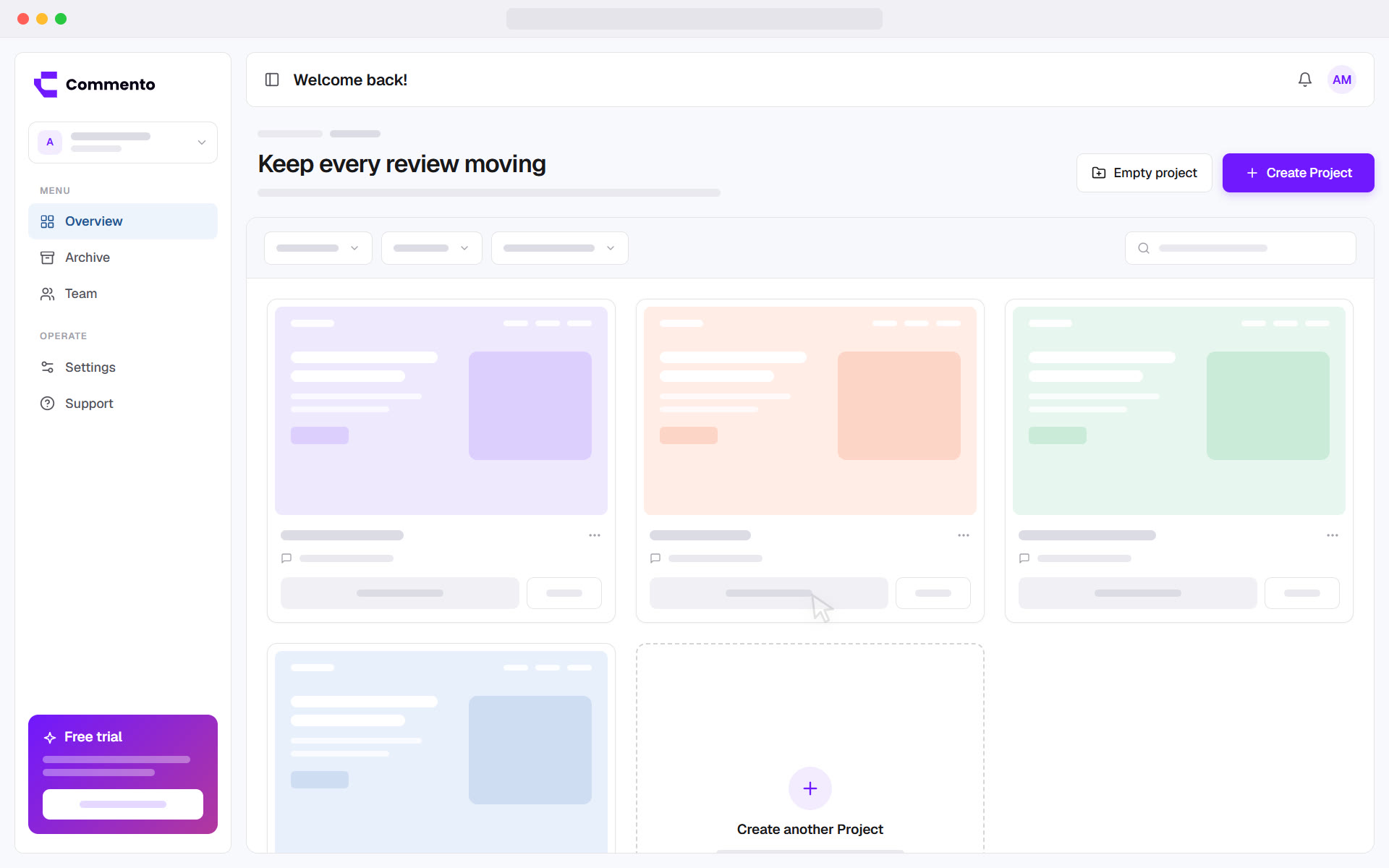
Every comment stays open until someone resolves it, and each project shows how many are left, so no change request slips between review rounds.
Paste a staging or production URL, or upload an image, video, or PDF. There is nothing to install on your site.
Invite your team, or send clients a link. Reviewers click anywhere to comment, straight in the browser.
Reply in threads, mention teammates, and resolve each comment as it's fixed, so nothing slips between rounds.
Feedback comes from designers, developers, and clients who all work differently. Commento gives each of them the shortest path from noticing something to getting it fixed.
Click the exact element, frame, or spot on a page and leave a comment pinned right there. Add an arrow, a box, or a freehand mark, and attach files when words are not enough.
Works the same on live websites, images, videos, and PDFs.
See it for designers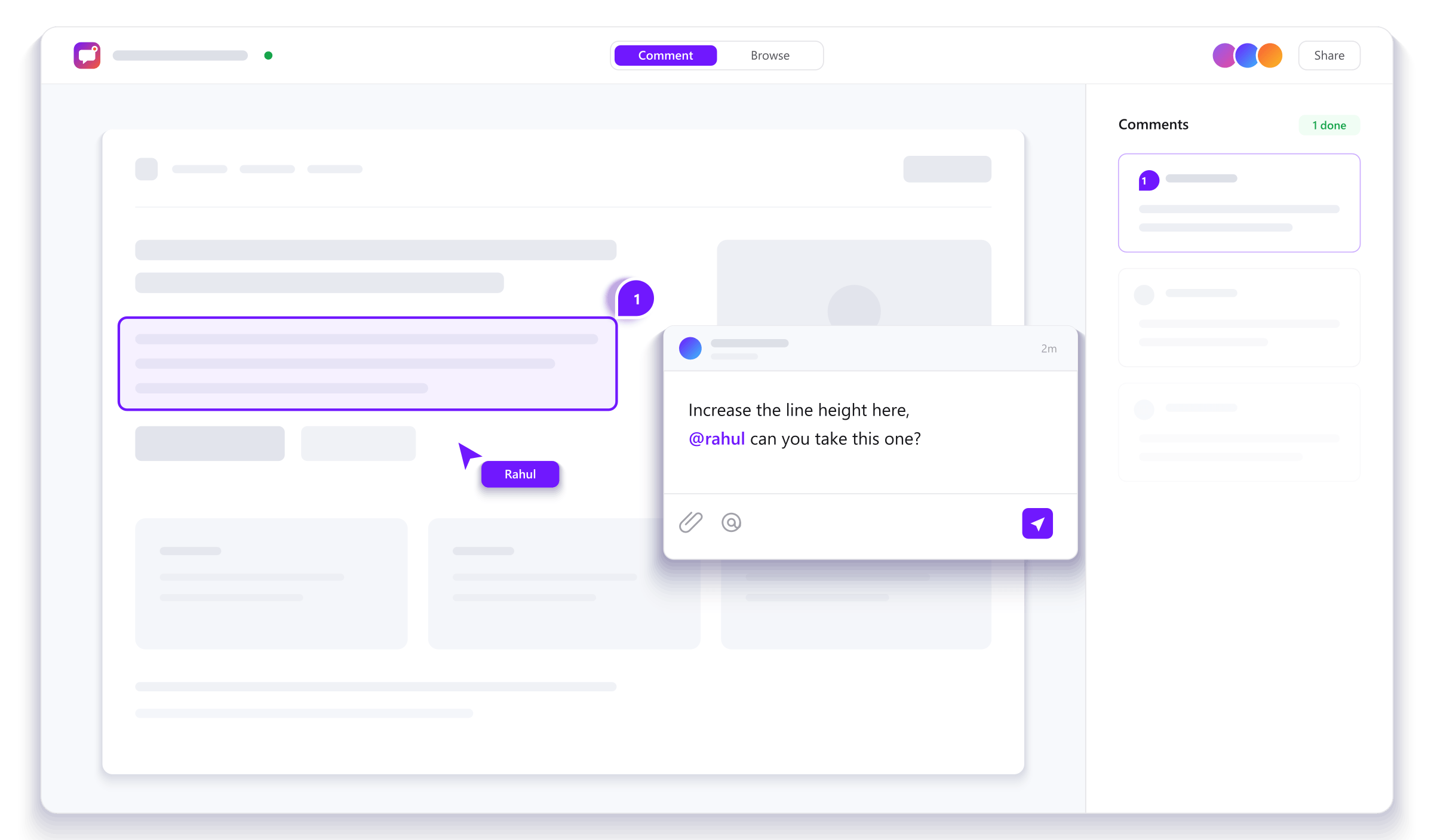
Send one review link and anyone can comment straight in the browser. No account, no extension, and no password reset emails, so approvals arrive in hours instead of days.
Share links can expire whenever you choose.
See it for clients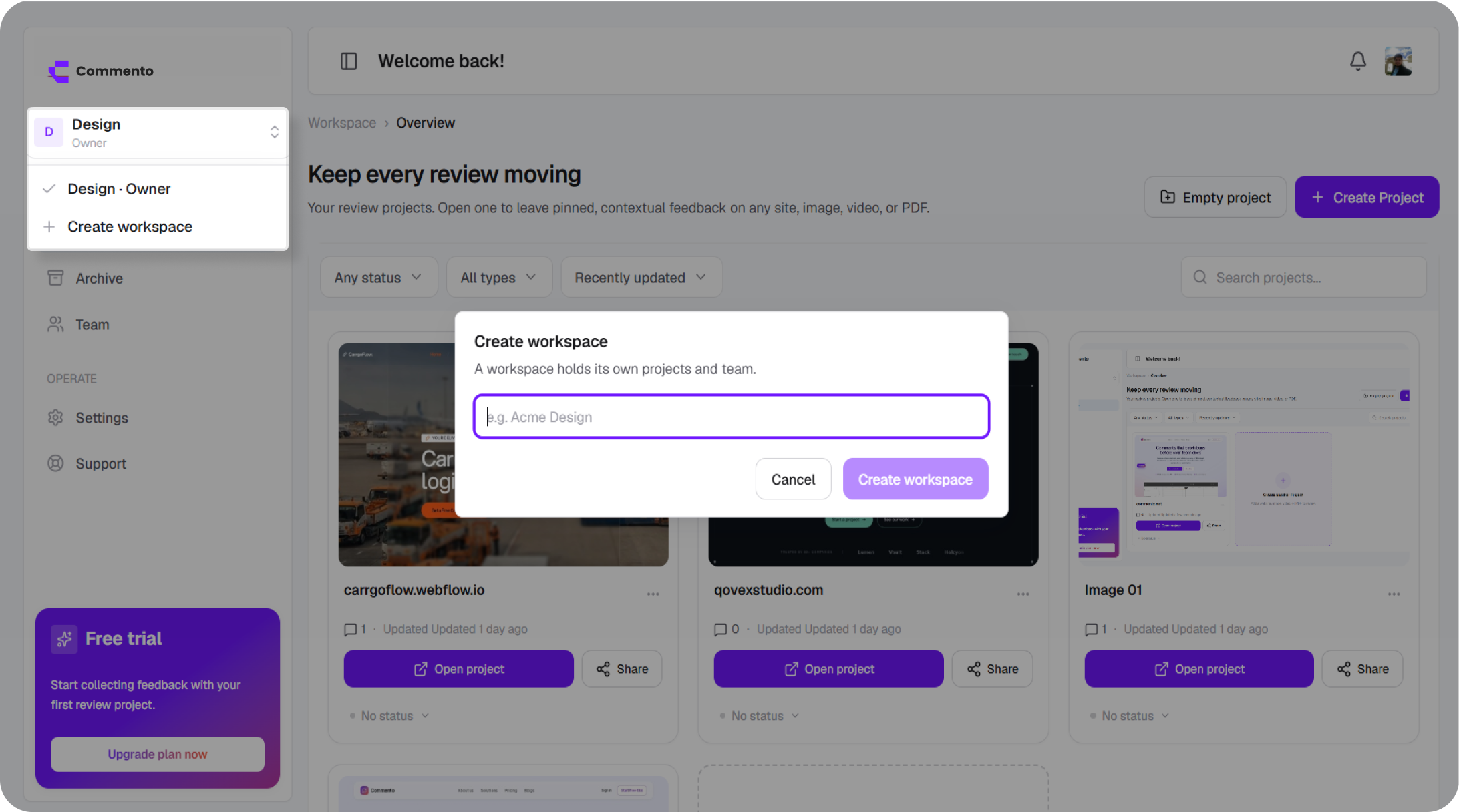
See who is reviewing, reply in threads, mention a teammate to pull them in, and get notified the moment someone answers. Every comment records the device it was left on.
Mentioned teammates get a reminder if a thread is still waiting on them.
See it for developers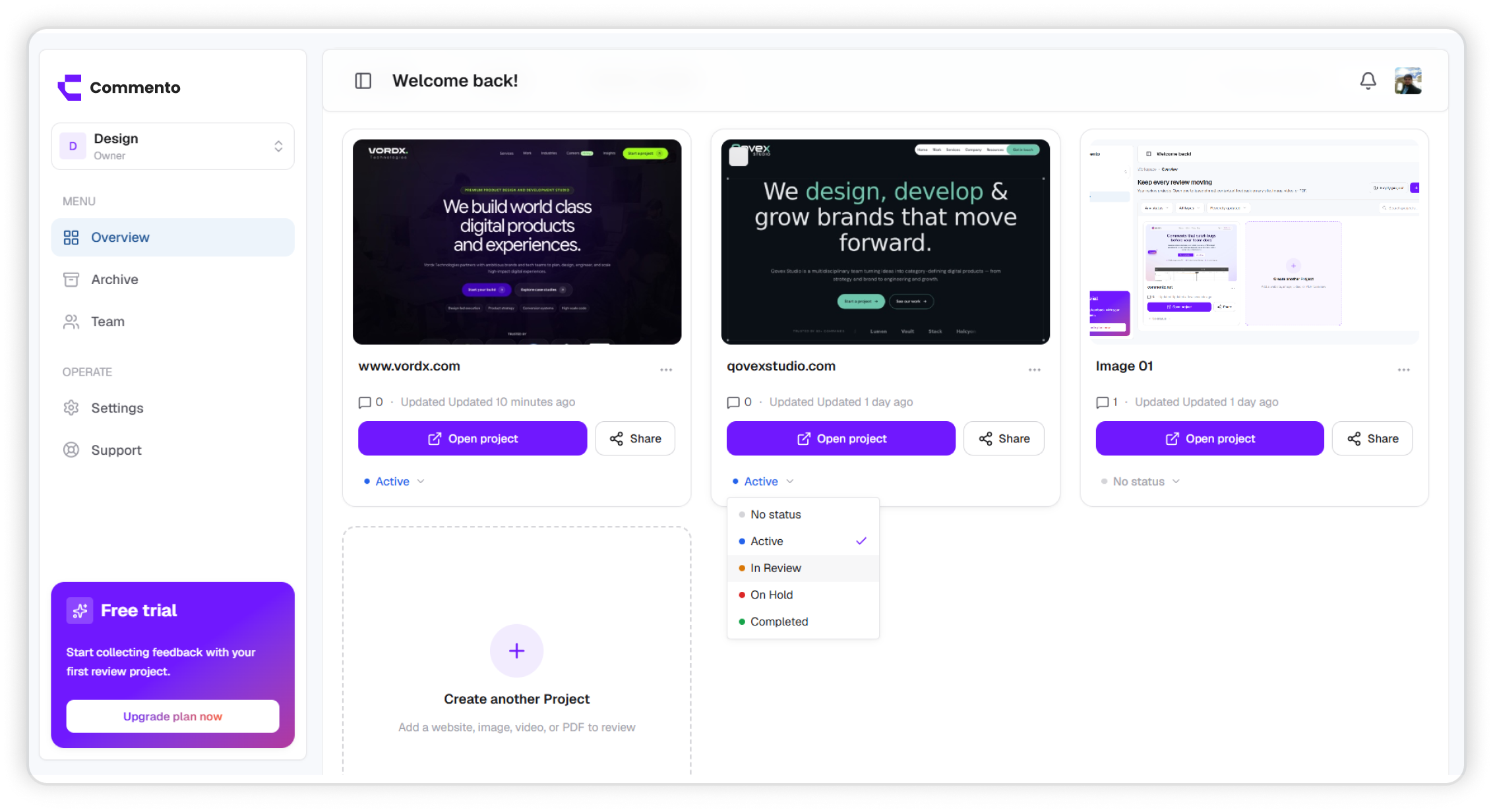
Every project card shows its open and resolved comments, a badge for anything new, and a status from Active to Completed, so you can see what is left without chasing anyone for an update.
See comment tracking
Pin feedback to the exact element on any live or staging URL.
Draw on the page so the fix is obvious at a glance.
Comments land on the exact frame they refer to.
Attach screenshots, specs, and assets to any comment.
Pull a teammate into a thread, and nudge them if it waits.
Hear about replies and mentions by email or push.
Mark projects Active, In Review, On Hold, or Completed.
No account needed for reviewers, with optional expiry.
See who else is reviewing and watch comments arrive.
Know whether an issue was spotted on desktop, tablet, or mobile.
Edited comments are marked, and resolved ones stay locked.
Keep each client and product separate, with the right access.
Open the page in a website comment tool such as Commento, click the spot you want to talk about, and type your comment. It is pinned to that exact element, and you can add a drawing or a file. Share the review link so others can see the comment and reply in the same thread.
Yes. Commento loads a page from its URL, so you can leave feedback on any publicly reachable site, including a client's live site or a staging link. Your comments are stored in your Commento project and don't change the site itself.
No. There is no script, plugin, or browser extension to add. You paste the URL into a project and start commenting, and reviewers only need a modern browser.
No. Comments live in your Commento review, not on the published site, so only people you invite or share a review link with can see them. If you want public comments that visitors can read, you need a comment section plugin instead.
Yes. Reviewers can open a review link and leave or resolve comments from a phone, tablet, or desktop browser. Each comment records the type of device it was left on, so mobile layout issues are easy to spot.
Yes. Upload an image, a video, or a PDF and comment on it the same way as a website. Video comments are tied to the moment in the video they were left at.
Yes. Every account starts with a free trial and no card is required. The trial includes one workspace, one project, up to five team members, and 50 comments per day.
Add a website, image, video, or PDF, share one review link, and get pinned feedback your team can act on. Free for 10 days with no card required.
Get started today