Solutions built for every team that reviews the web
Whatever you build or ship, website feedback is faster when it lives on the real page. Find the review workflow that fits your team below.
One workflow, whoever is reviewing
Point at it
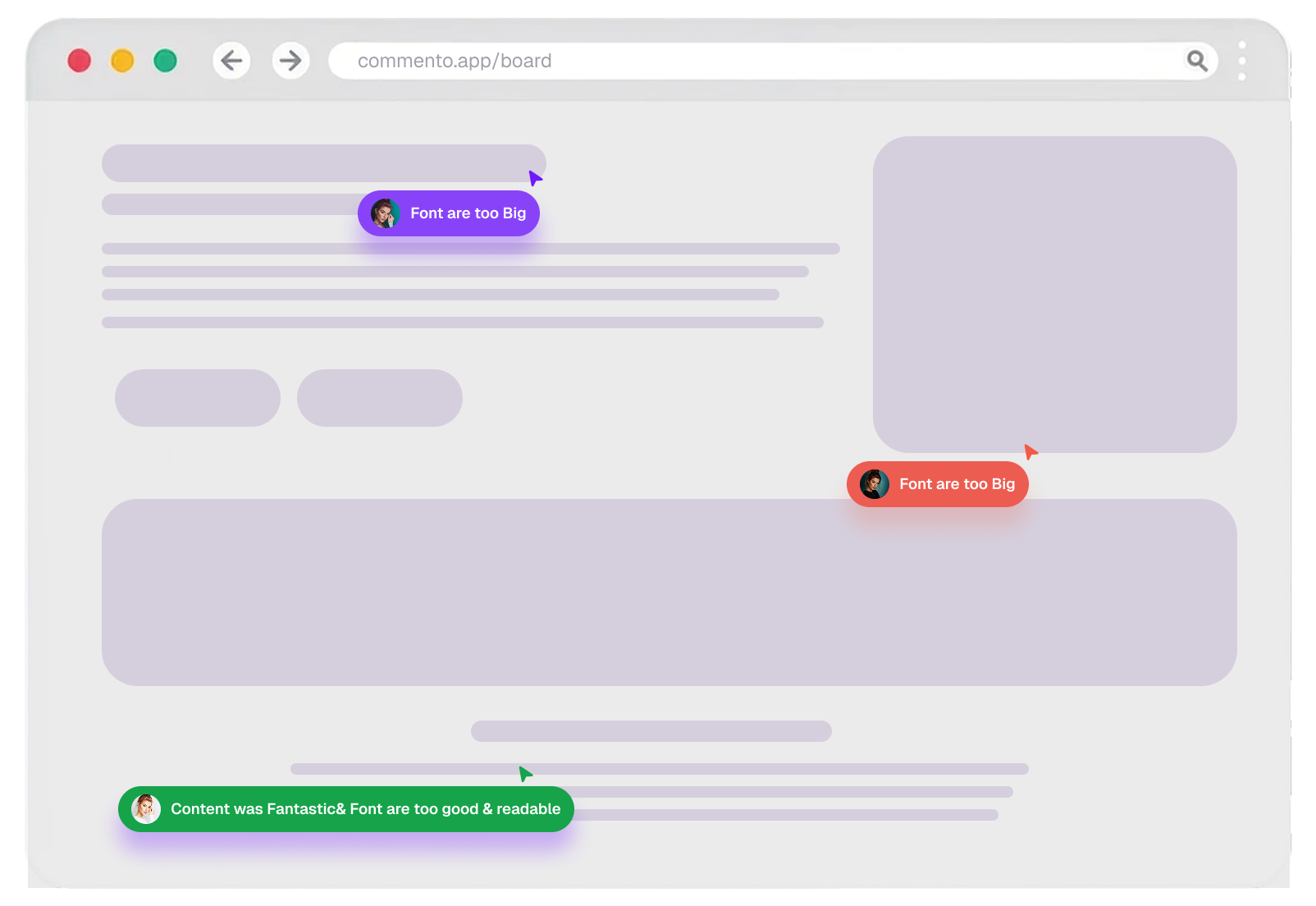
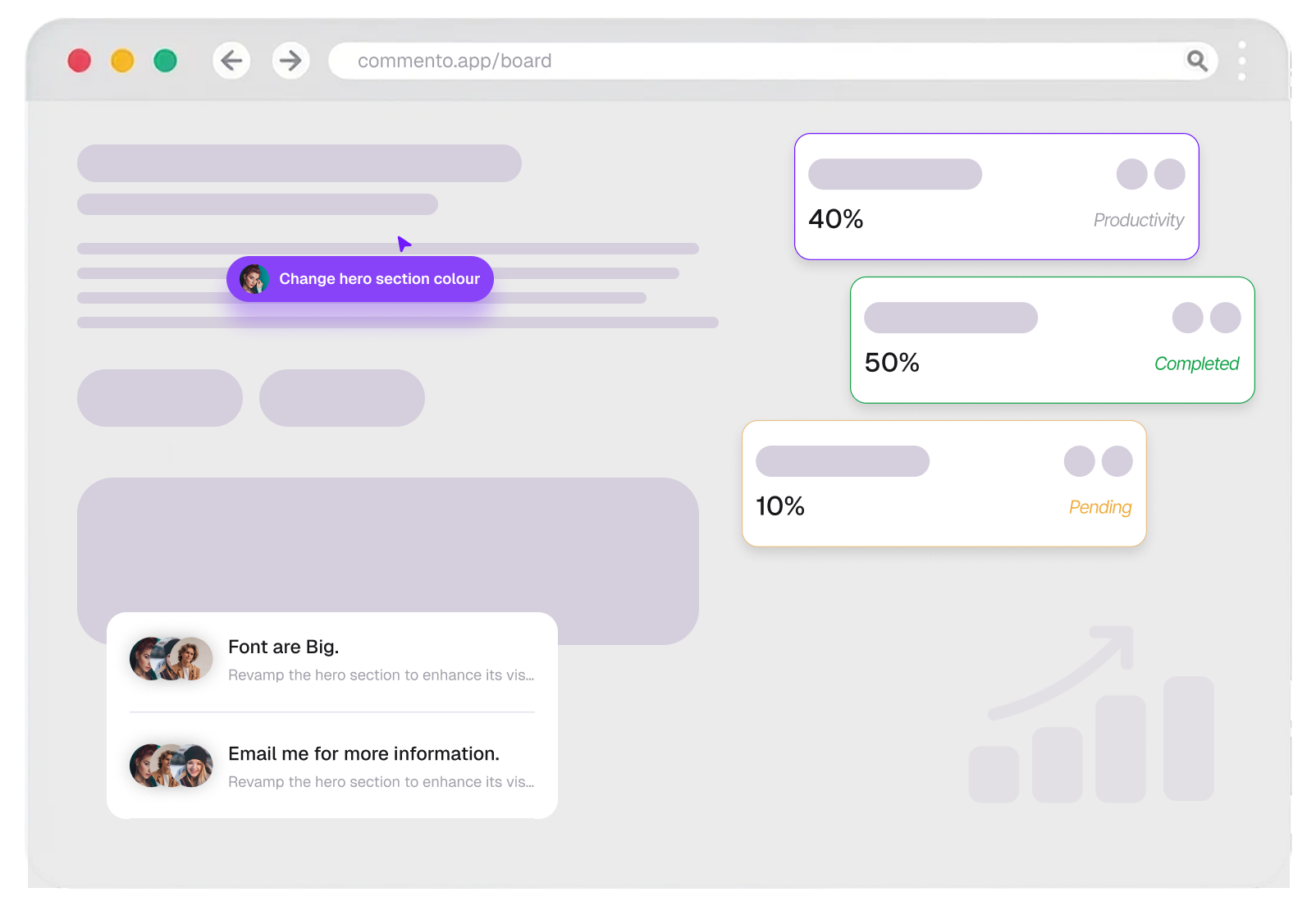
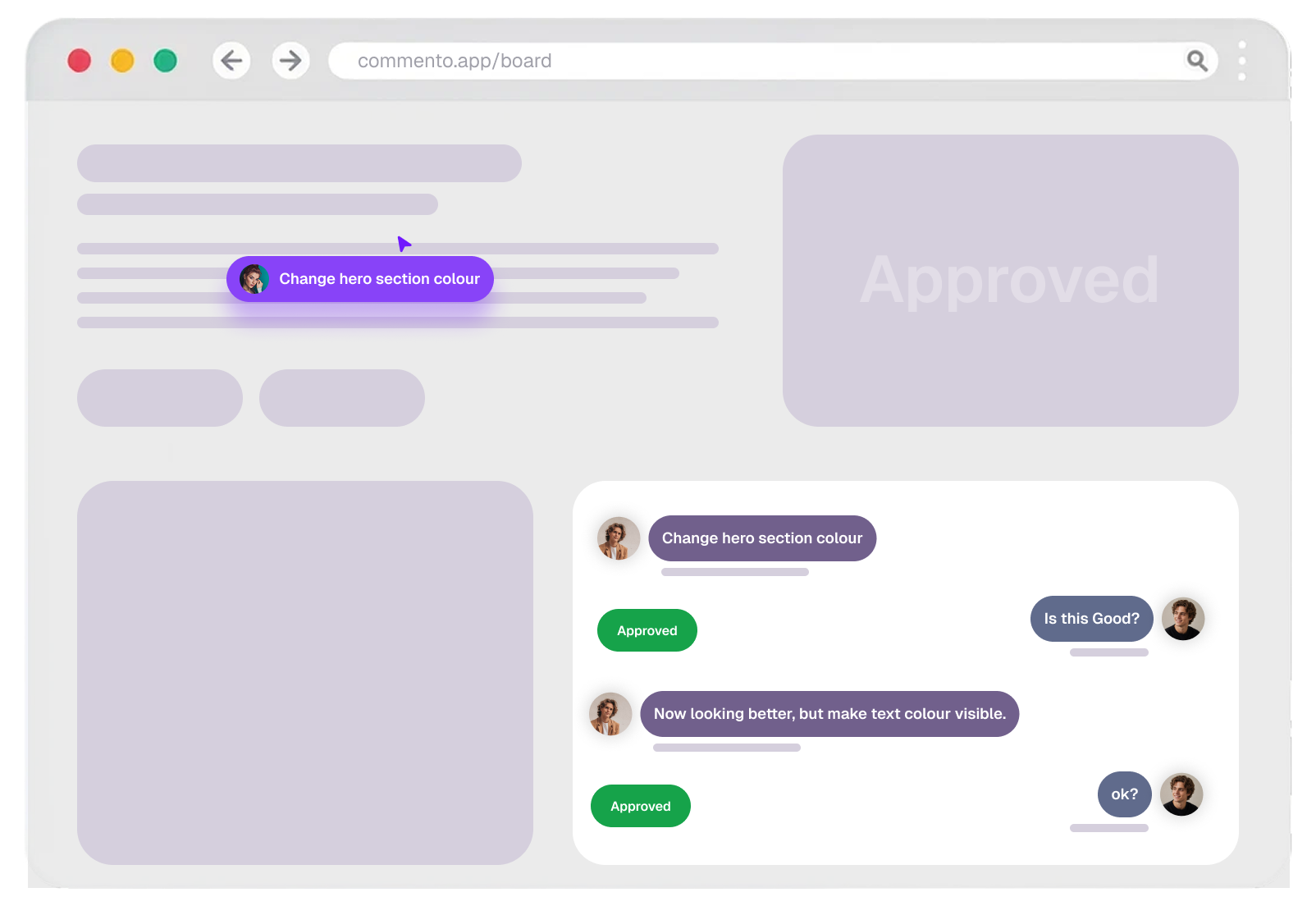
Click the exact spot on a website, image, video, or PDF and leave your comment there.
Draw what you mean
Add an arrow, a box, or a freehand mark so there is nothing left to describe in words.
Track it to done
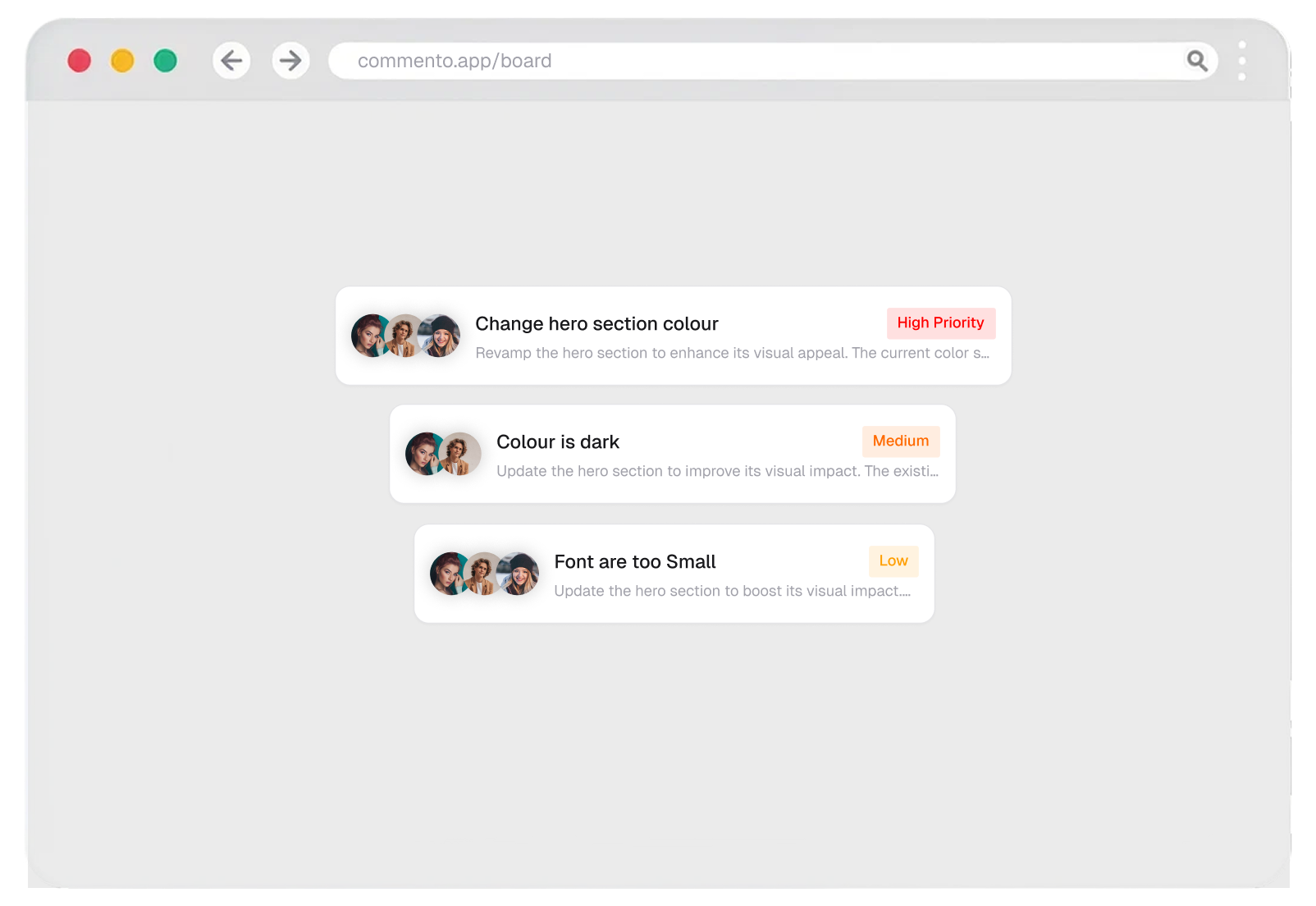
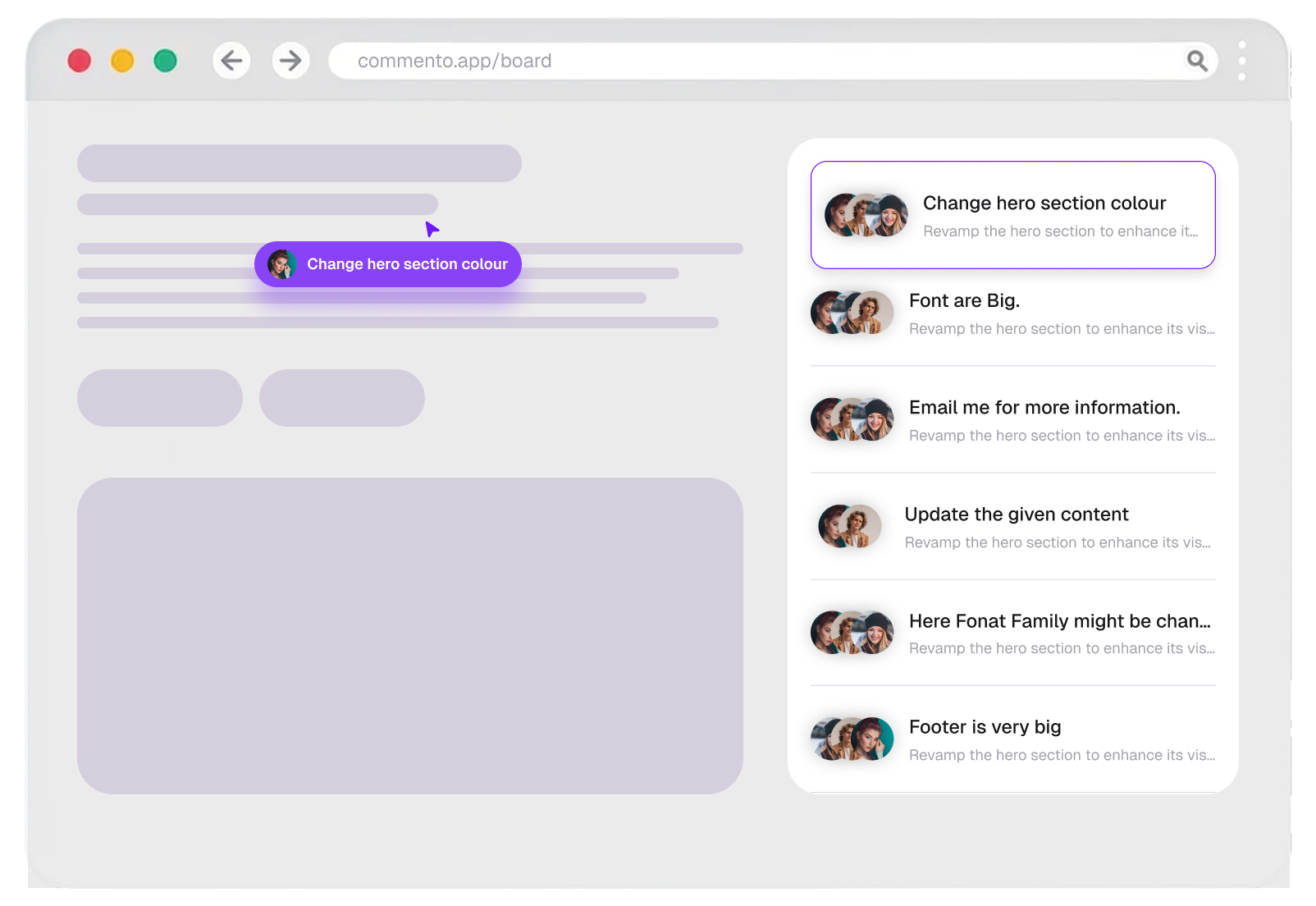
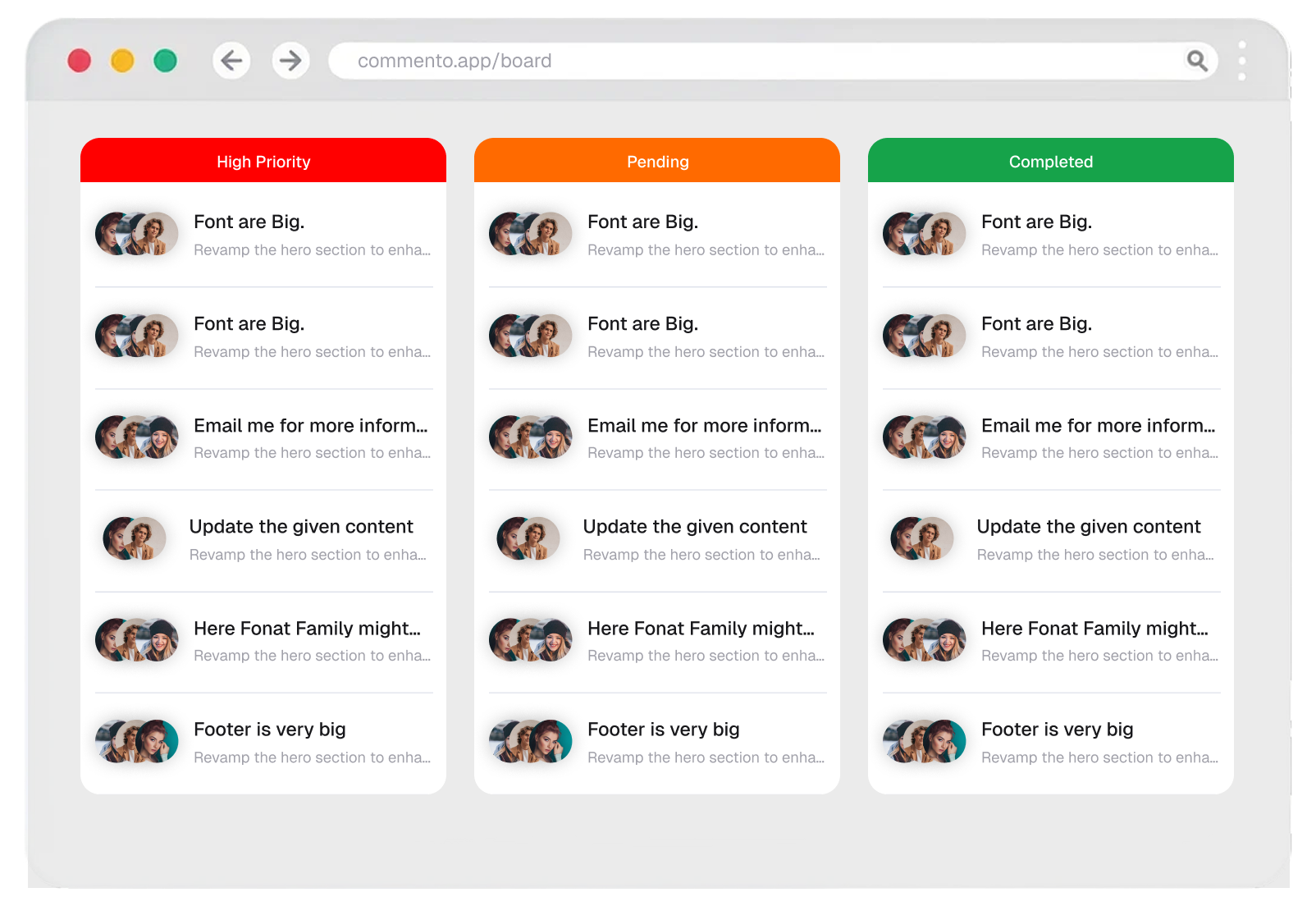
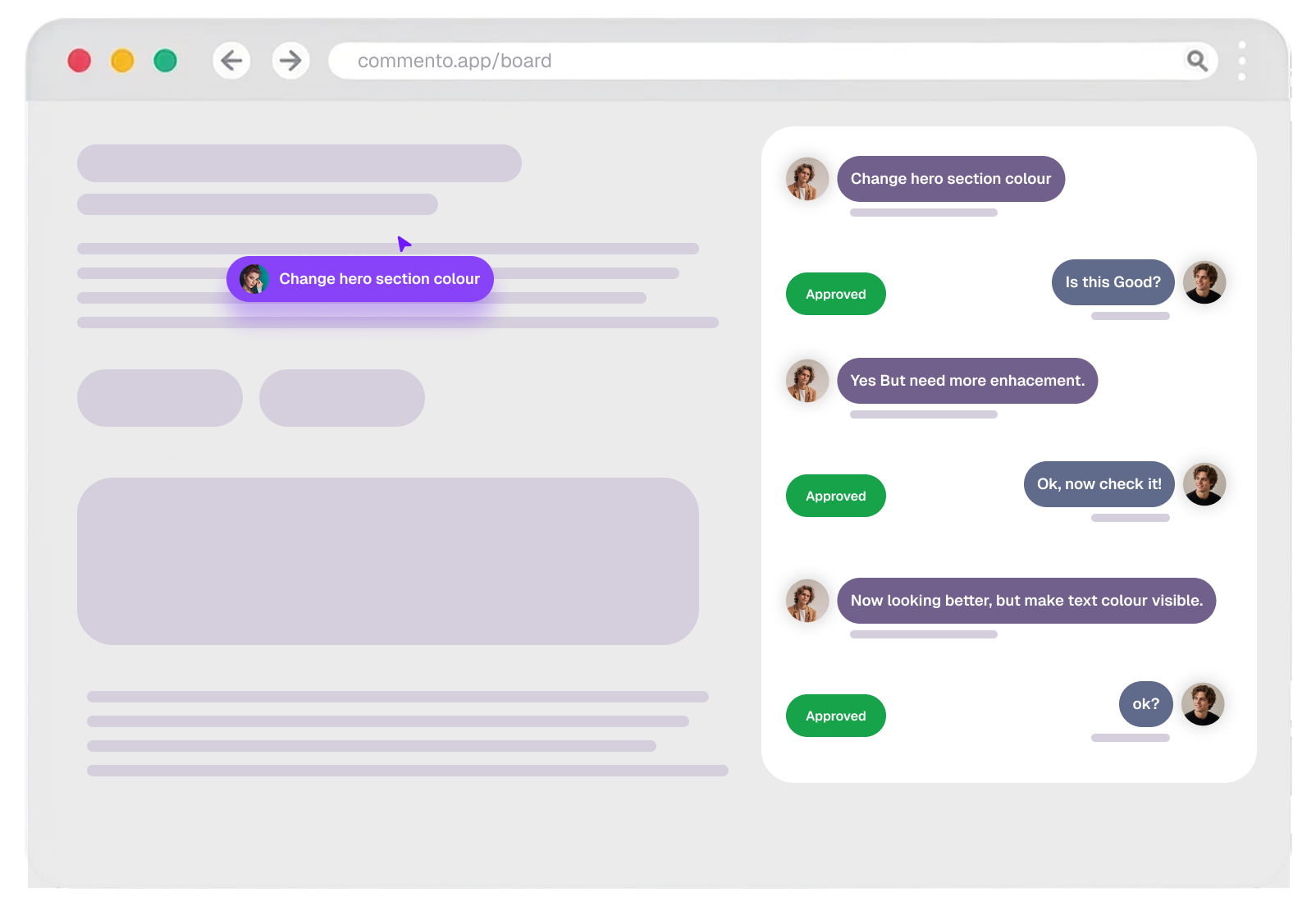
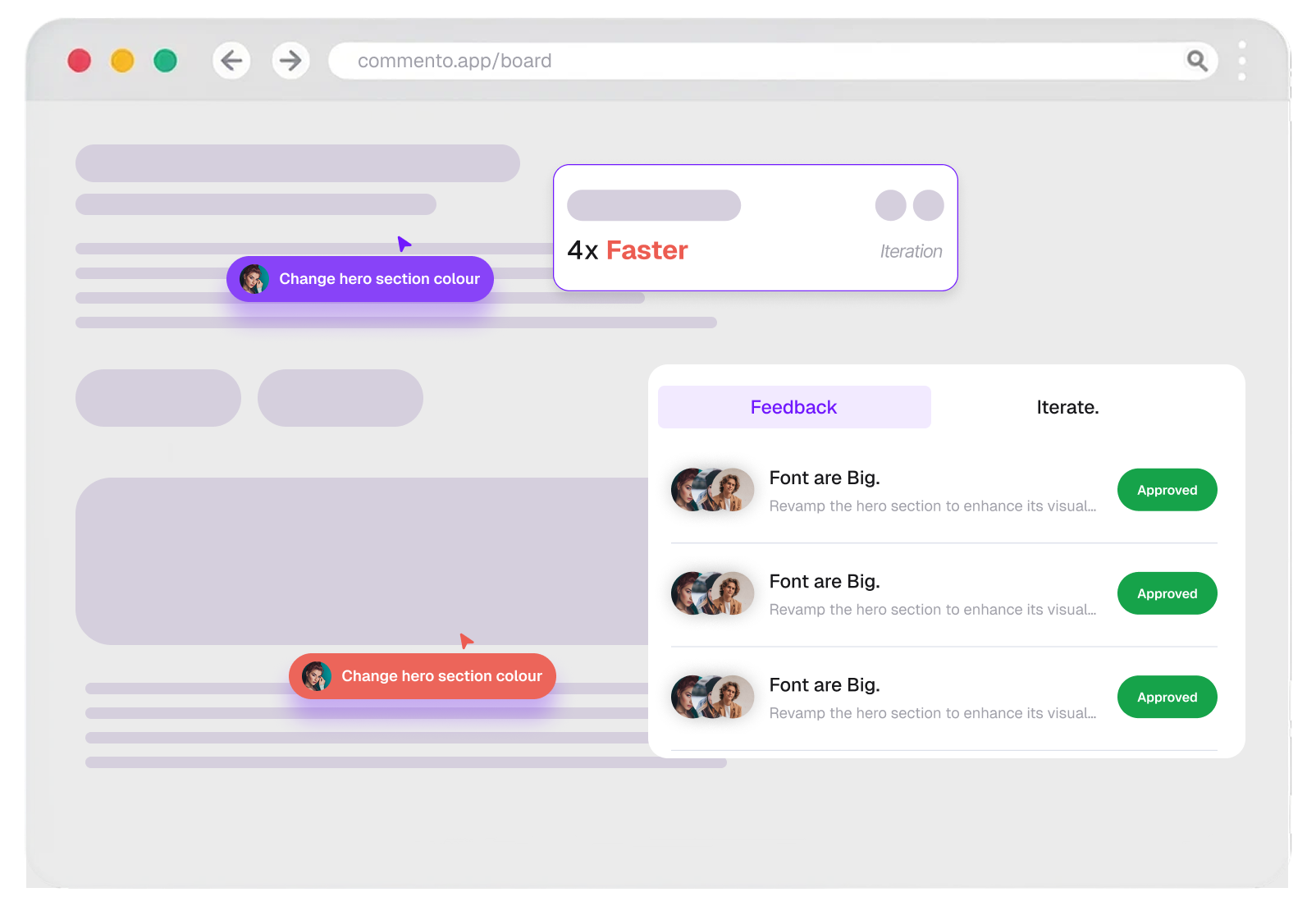
Reply in the thread, resolve each comment once it ships, and see what is still open on every project.
Find the workflow that fits yours
9 ways teams collect feedback with Commento
Everything you want to know explained clearly
Everything you need to know about collecting visual feedback on websites, images, videos, and PDFs with Commento.
Contact us todayCommento is a visual feedback tool that lets you comment directly on top of a live website, an image, a video, or a PDF. Every comment is pinned to the exact spot you clicked and can carry arrows, boxes, freehand drawings, and file attachments, so feedback arrives with the context needed to act on it.
No. Share a review link and anyone can leave pinned website feedback straight in their browser, with no account, no extension, and no download required.
Websites, images, videos, and PDFs. Point Commento at any live or staging URL, or upload an image, video, or PDF, and your team can annotate and comment straight on top of it.
The exact spot you pinned and the page it was left on, any arrows, boxes, or freehand marks you drew, the files you attached, and the whole reply thread around it.
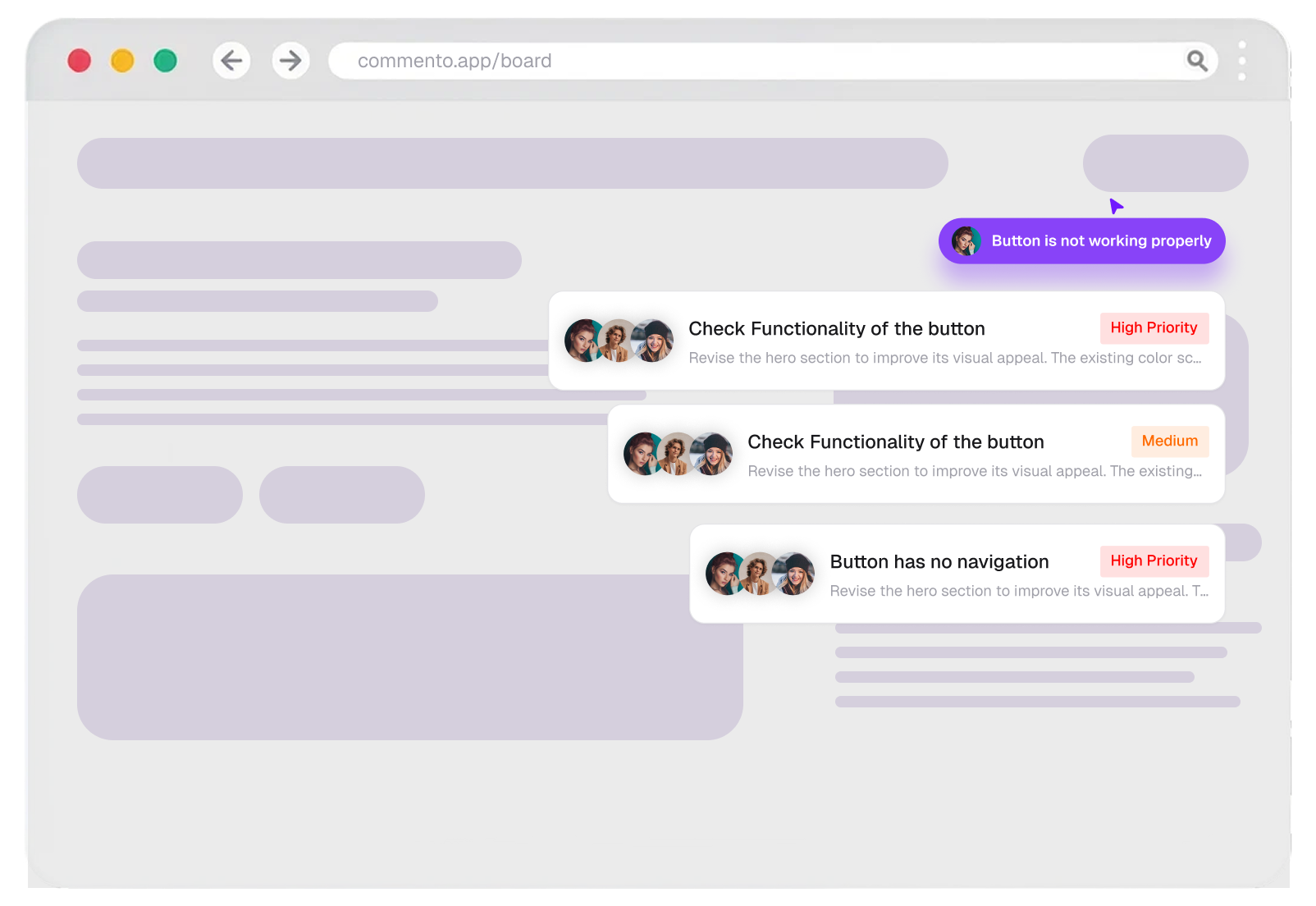
Yes. Invite developers, designers, and project managers to the same project, reply in threads, mention each other, and track every bug report and change request from open to resolved.
Because every comment is pinned to the exact spot, marked up where it matters, and tracked until it is resolved, nobody has to ask which button, which frame, or which page. That cuts the usual back and forth out of the review loop.
Yes. Every comment stays open until it is resolved, resolved threads are kept as a record, and each project has a status (Active, In Review, On Hold, or Completed), so feedback moves cleanly from reported to shipped.
Review access is controlled by the links you share, and payments are handled entirely by Paddle, our Merchant of Record, so card details never touch our servers.
Yes. You can start for free with no credit card required, and upgrade only when your team or project count grows.
Create a free account, add your website URL or upload an image, video, or PDF, and share the review link. Feedback starts flowing in minutes with no setup or integration work needed.